Over the last seven months, I have been experimenting with creating videos using an assortment of AI tools.
Here is a brief overview of the process I have been using and some examples of the results I have been able to achieve.
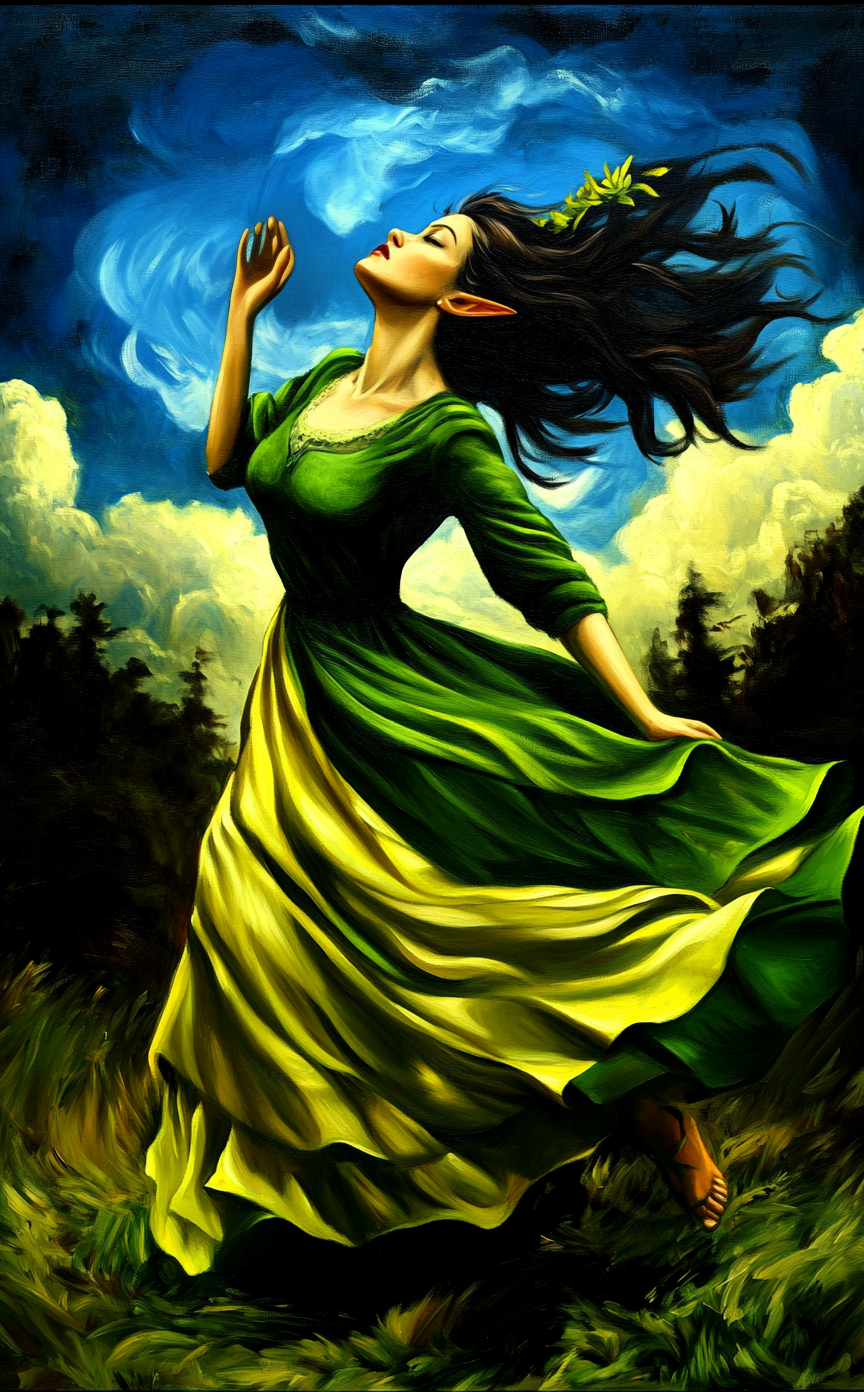
To begin, there is no denying that AI has made some significant leaps forward within the last 7 months, particularly in the area of both music and video creation.
Frankly, The amount of creativity that can be achieved with today’s tools is just surreal, and based on the rate of progress, there is no telling what the next 7 months will bring to the table.

Originally, my foray into AI was buying a subscription to Midjourney back in August 2022 when V3 was king and the
infamous beta (--beta) and test (--test) modes were released.
Note: Stable Diffusion was also released around this time, and it was rumored that the test mode addition was based off of Stable Diffusion, but I don’t really know one way or another if that’s true or not.
Naturally, the artwork generated back then was rather abysmal by today’s standards, but it all was so very novel for the time.
As the technology improved, advanced features like style (--sref) and character (--cref) references were added
to Midjourney and the quality of the generated images improved significantly from the V3 of 2022 to the V6 of 2024.
The commercial arrival of ChatGPT was my next big step into the world of creative AI that I took in December 2023, and I was mostly focused on the software development aspects of it rather than the creative side.
Note: I dabbled with GitHub Copilot and JetBrains AI Assistant before adding ChatGPT to the mix, and I did this because the AI models differed and some software problems were better solved by one AI tool than another.
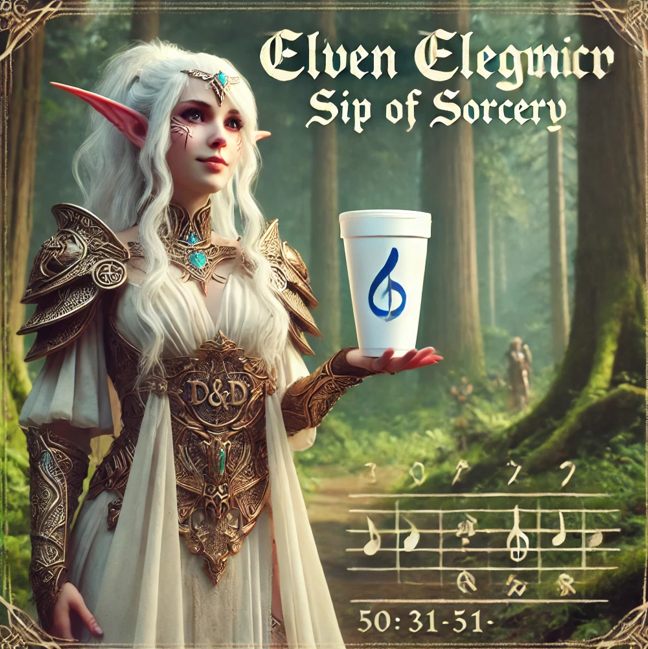
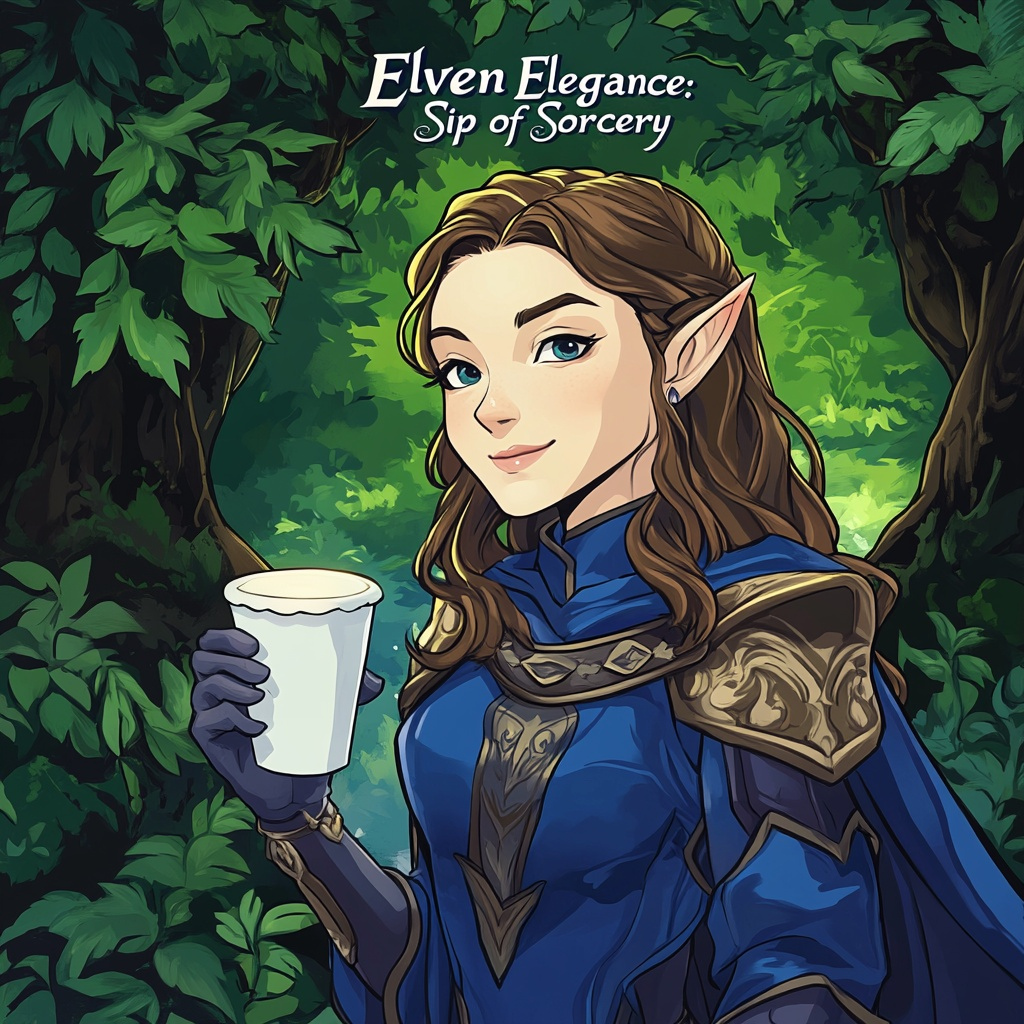
After experimenting with ChatGPT for a few months, I found Dall-E to be lacking when compared to Midjourney, at least for my personal art preferences;
However, I have found that Dall-E is more capable when dealing with complex prompts like making an image have another image within itself.
For Example, Dall-E did a rather nice job of creating an album art cover (left), but the ascetic was not to my liking when compared to the output of the Midjourney variant (right).
Along the way ChatGPT kept hinting at the possibility of creating AI video via Sora, And I actually got trolled by a plugin that claimed to be Sora but actually made fun of you for trying to use it.
At some point AI music creation became a popular thing, and I picked up a subscription to Suno in June 2024 when V3 was released.
Note: Subsequently, Suno V4 arrived and has improved the quality of the music generated by a significant margin.
By July 2024, RunwayML Gen3 became quite popular within the AI community, and I picked up a subscription to the service which set the stage for me to begin new AI creative endeavors.
Note: ChatGPT finally added Sora support in December 2024, and my current subscription does include access to it, but I haven’t had a chance to try it out yet.
Let’s Animate Some AI Art
My first experiments with RunwayML had me generating images with Midjourney and then using RunwayML to animate them.
I found that setting the Midjourney aspect ratio to 50 by 31
(--50:31) allowed me to directly
import the Midjourney output into RunwayML without any cropping.
Afterward, Gen3 of RunwayML allowed for you to specify a camera prompt, along with a few other scene controls to help influence the final output.
The results created by RunwayML were mixed, sometimes the artistic styles of Midjourney resulted in odd artifacts when animated, yet other times the results were quite impressive.
Also, I found that trial and error is key to good results, and the camera control prompt used can greatly influence the final output as well.
Note: RunwayML also supports both AI voice generation and lip-syncing, so not only can you create animated characters, but you can also have them speak.
You can also upload audio to RunwayML and have it lip-sync as well, so if you want to generate your audio in ElevenLabs and then lip-sync with RunwayML you can.
Equally, you could also upload your vocal audio tracks created by Suno in to RunwayML and have it lip-sync with your animation as well; however, your mileage may vary, and some pre-processing may be needed in an proper audio editor depending on how you want to sync the animation to the audio.
Now, one issue I found when dealing with MP4 movie files (the default output of RunwayML) is the file size can be quite large and there is not an easily shared auto-playable format.
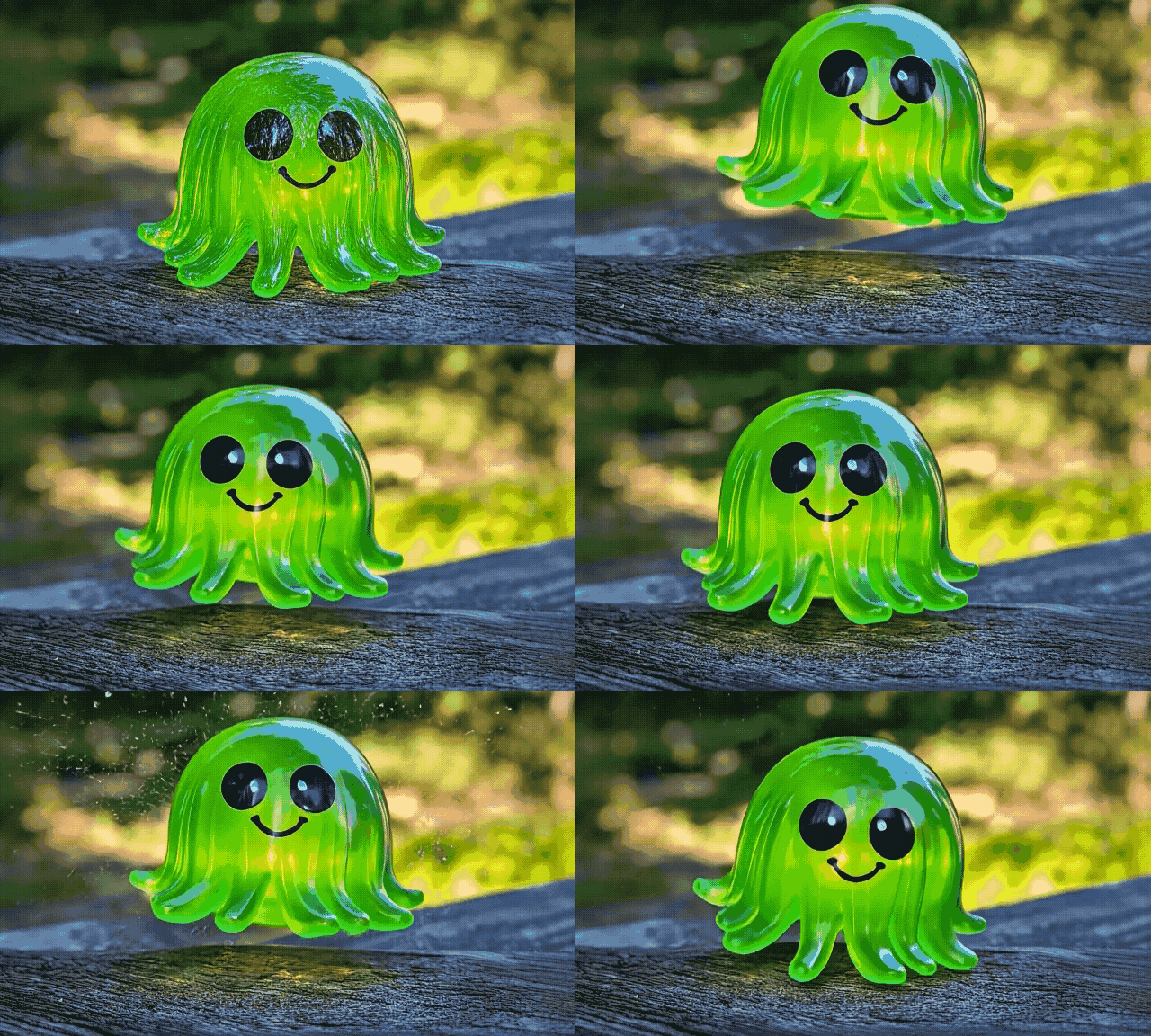
Ideally, I just want to copy and paste my animation into a chat app and have the animation autoplay to my friends without the hassle of a YouTube upload.
Here is where RunwayML lack of a good video hosting solution is a bit of a pain point, and while you can share a RunwayML video link, it’s very cumbersome and not all chat platforms support the playback correctly.
RunwayML also supports the creation of GIFs rather than MP4s, but this doesn’t solve the file size issue for platforms like Discord that have a 10 MB non-Nitro file limit.
Yet this approach will allow for the video to be auto-played on platforms like Microsoft Teams without much hassle (to the horror of your system Teams administrator).
Note: As an aside, I have found a good solution to this problem by using the ScreenToGif tool to reduce the GIF file size via cropping and reducing the frame counts as needed.
Picking a Video Editor
At this point, I had a good handle on creating AI animations and felt it was time to try my hand at assembling the animations into a proper video.
Now, for many years I have been doing tutorial videos for work, and I am quite familiar with Camtasia as my goto tutorial video editor; However, I have found this video platform to be lacking when it comes to dealing with larger projects.
Also, this particular tool is really designed for screen recording and personal narration, not video assembly.
Note: Camtasia migration towards a cloud-based only subscription model was a big turnoff to me for future endeavors as well. I still have an older perpetual license of Camtasia I use occasionally, and I have not been overly impressed with the new features Camtasia has added in recent years vs the new subscription price.
While this type of license model is common in the industry today (sometimes it makes sense depending on your usage), going with Camtasia did not seem ideal for my current video creation needs.
After researching this topic, I found that Adobe Premiere and DaVinci Resolve were the most commonly used tools in the industry for video editing.
While I do like Adobe, despite their cloud subscription model (but at least their updates are more frequent and the software is more polished); However, I found that DaVinci Resolve was a better fit given my current PC hardware and overall desired price point (since DaVinci Resolve is perpetually licensed).
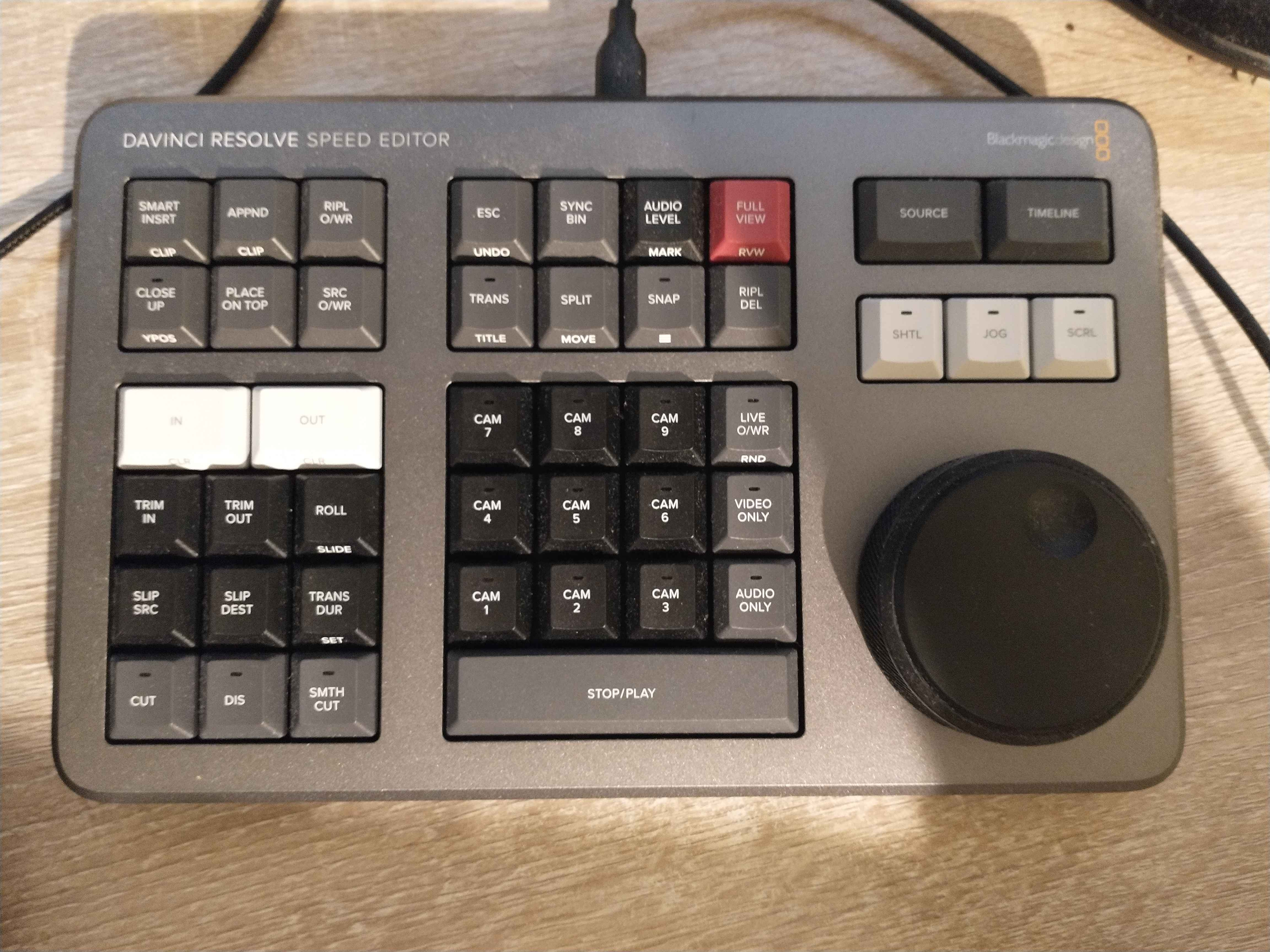
Also, after reading some user reviews, I found that you can get a nice hardware Video Editor for DaVinci Resolve along with a license of DaVinci Resolve for a good price at Amazon.
This was a big selling point for DaVinci Resolve since having a good hardware video editor with a jog wheel can greatly speed up the video editing process.
Note: RunwayML does have a web-based video editor, but I have found cloud-based video editors to be rather cumbersome and limited in features, especially when compared to a desktop video editor.
My First Story Video
At this point, I had all the tools I needed to create AI videos, so it was time to decide what type of video to make.
I started my escapade into this process by creating a little detective story called Clucksville Hex that involved an old women’s prized plant being turned into a feathery mess by a mischievous witch.
I had ChatGPT help write the script along with some of the character descriptions that I rendered in Midjourney and animated and lip-synced using RunwayML.
I also used Suno to generate the background music and combined everything in DaVinci Resolve.
I spent a few days on this project, and most of that time was simply learning how to use DaVinci Resolve along with the other AI tools to produce the video.
Note: after showing the video to a few friends, I found that the story was a bit hard to follow, and I ultimately opted to put the project aside, but for my first attempt at creating an AI video, I was impressed
While I was working on Clucksville Hex, I found the workflow of character animation and dialog lip-syncing to be quite time-consuming.
I believe this is mostly because RunwayML had a hard time with face detection with the Midjourney art style I used for the video project.
This resulted in a lot of video re-rendering, and it felt rather painful in places to create some scenes as I had to rerender art in Midjourney to get something that RunwayML could lip-sync on.
Now, RunwayML face detection has improved since then, but I haven’t attempted another larger scale video project like Clucksville Hex to see how much it has improved.
My First Music Video
Because large lip-synced dialog videos, like Clucksville Hex, were a bit of a pain to create, I decided to try my hand at creating music videos to see if the process was any easier.
My first foray into this was a music video called Sip Of Sorcery that I haphazardly came up with on my way to the refrigerator while getting a cup of water.
The intrusive thought that occurred to me as I opened the fridge was what if the Elven race was not actually environmentally friendly, and they wanted to sell styrofoam cups.
If this was true, what type of marketing campaign would they use?
After playing around with the idea for a bit, I had ChatGPT help me write the lyrics for the song and the video scenes.
Then I used Suno to make the music and Midjourney to create the art that I animated in RunwayML and assembled in DaVinci Resolve.
The resulting video did feel a little bit disjointed (I did not map out a real storyboard for this one), but I was happy with the overall outcome for my first music video.
My Second Music Video
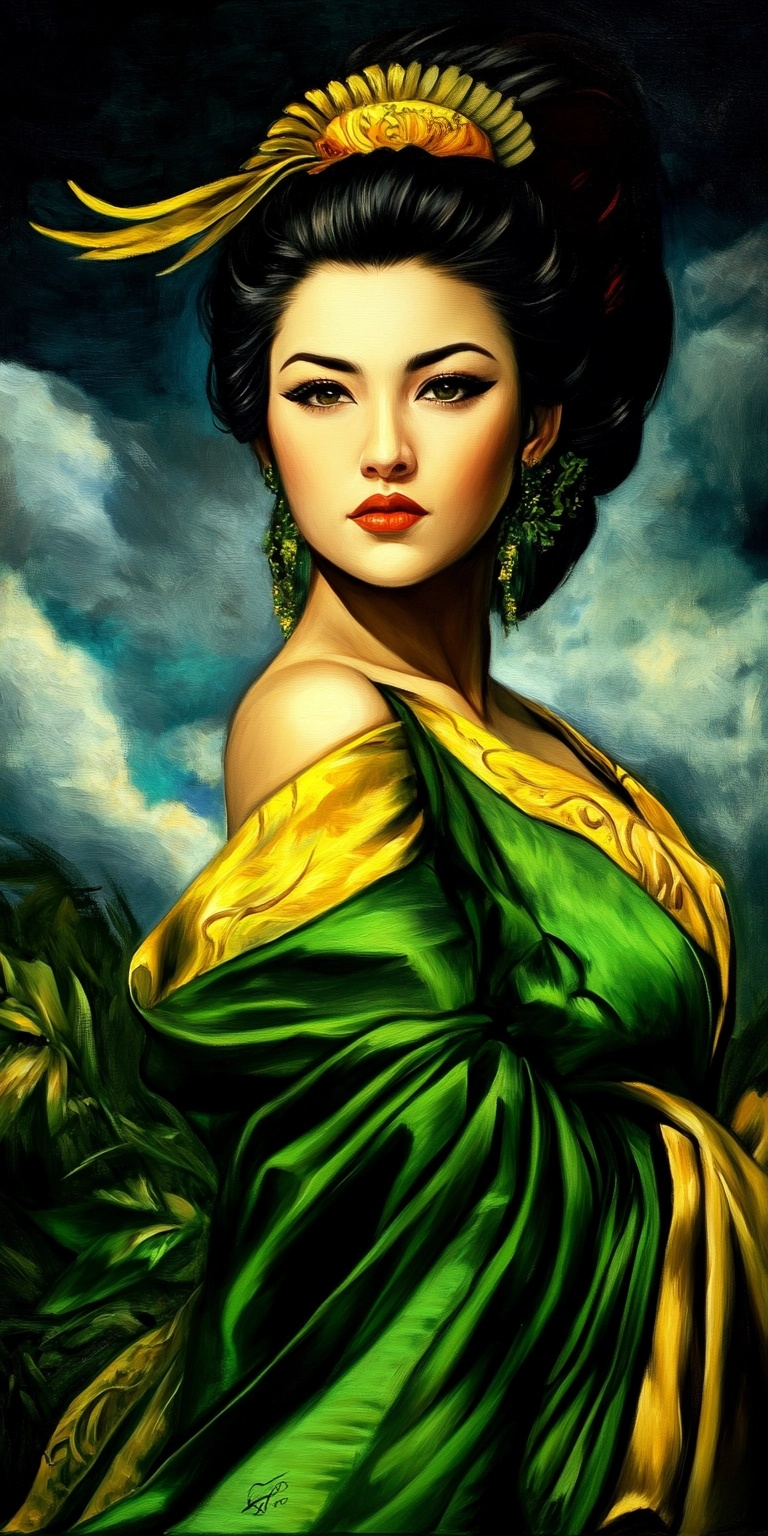
Given my general success making Sip Of Sorcery, I decided to try my hand at creating a second music video called Charmed by the Shadows.
This time around I wanted something a bit more gothic and dark, and with Elves on the brain, a Dark Elf followup video seemed ideal.
Once again I had ChatGPT help me write the lyrics and scenes for the video.
Then I used Suno to make the music and Midjourney to create the art that I animated in RunwayML and assembled in DaVinci Resolve.
Now, I tried to make the video a bit more cohesive by using a scene storyboard, where I attempted to convey the story of a Dark Elf warrior on her way to find personal redemption.
I also tried to make the video a bit more visually appealing by using a more consistent art style, and I believe the results were quite good for my second music video attempt.
My Third Music Video
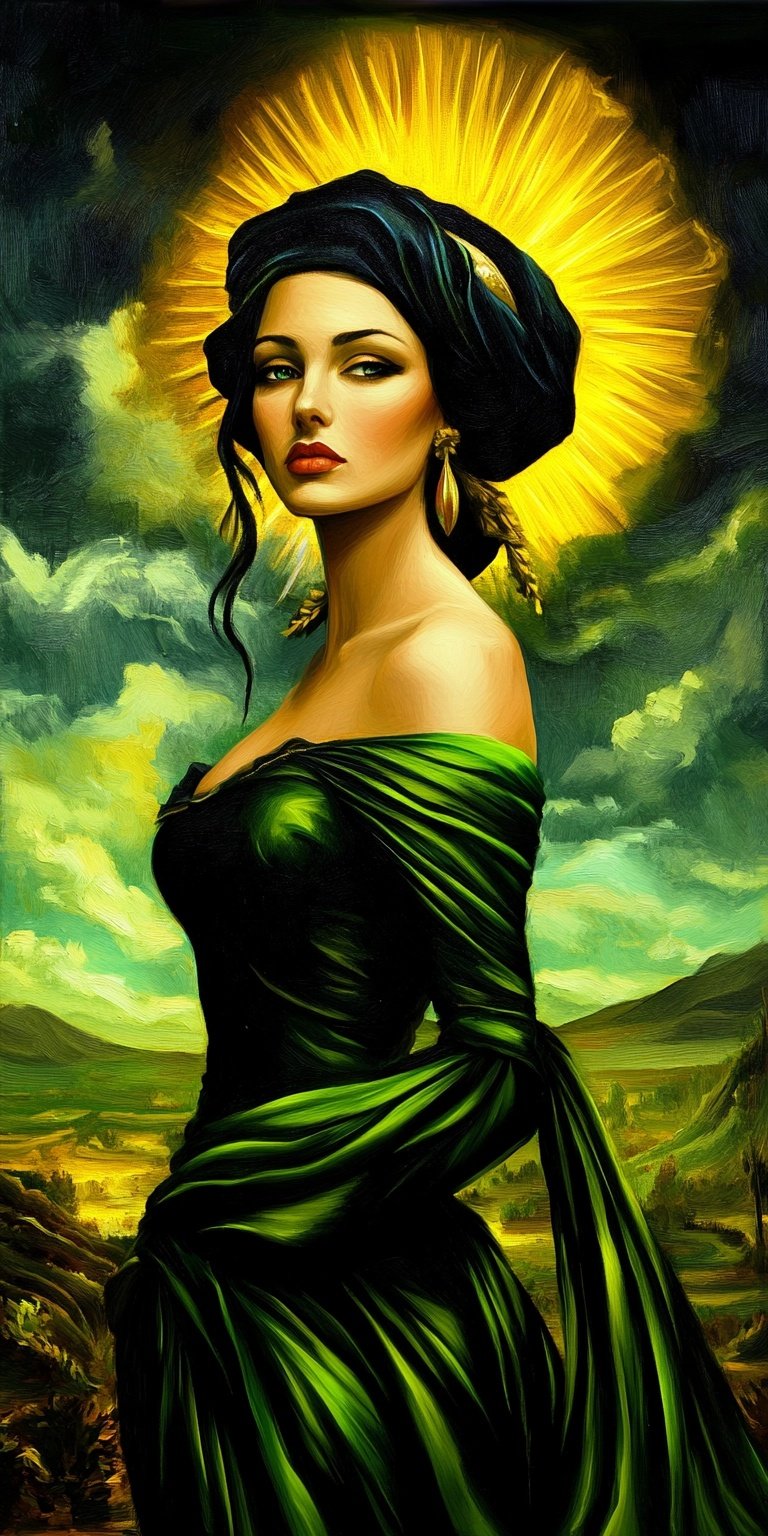
While Charmed by the Shadows felt better than Sip Of Sorcery, It still felt somewhat lacking in the overall story department.
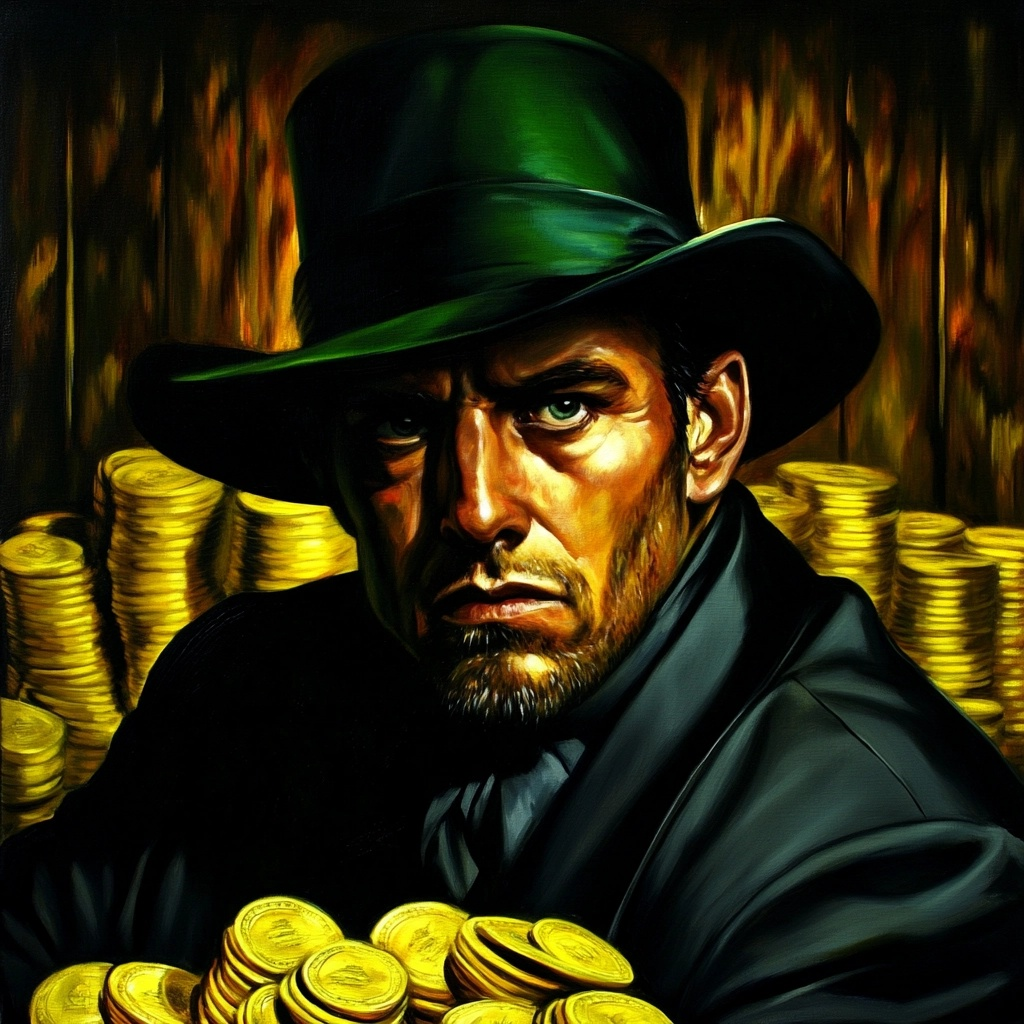
So for my third music video, I decided to try my hand at creating a more cohesive story video called Eclipse of Shadows where a human man was searching for his lost dark elf love.
While this is a typical trope in fantasy stories, I wanted to see if I could make it work in a music video.
Note: Back in my college days I had the privilege of taking a theater class under the guidance of Lon Bumgarner and got to be a director for a small stage play called Lysistrata.
I really enjoyed the experience, and while I never pursued a career in theater, I did retain some of Lon’s teachings.
One concept that I particularly found useful was the concept of the “Man in a hole” story arc which I wanted to apply to my Eclipse of Shadows Video.
The main idea behind the “Man in a hole” story arc is the main character would start out with something, lose it (hence falling into a hole), and then work to get it back.
Once again I had ChatGPT help me write the lyrics and scenes for the video.
Then I used Suno to make the music and Midjourney to create the art that I animated in RunwayML and assembled in DaVinci Resolve.
I found the result of the Eclipse of Shadows music video to be quite good, and I felt that I was getting the hang of creating music videos as the song and video storytelling felt more cohesive.
My Fourth Music Video
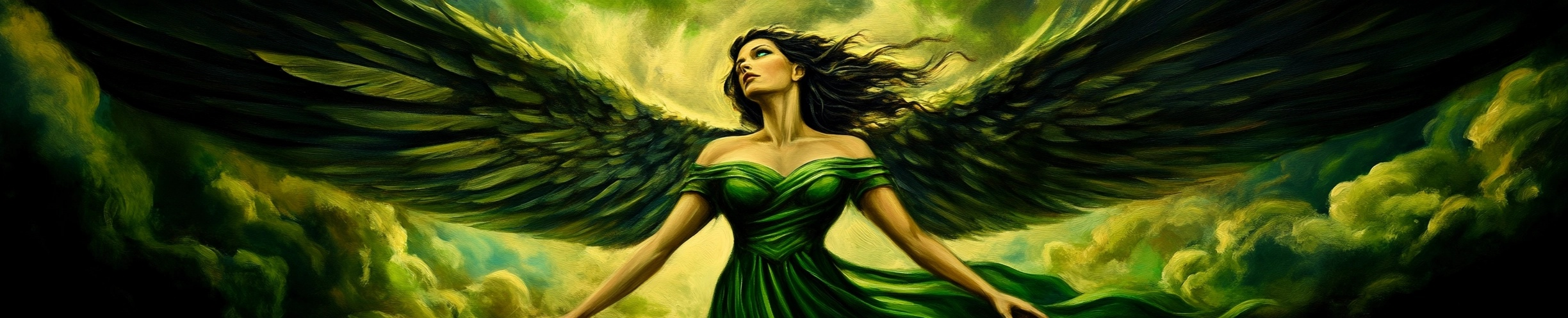
So for my fourth music video, I decided to try my hand at creating a more complex story video called The Angel’s Empty Crown where an angel lost her Halo and was on a quest to find it again.
Now the symbolism of the Halo was deliberately designed to be vague (implying a loss of innocence or some fall from grace), and I wanted to see if I could make this work in a music video.
Again, I went with a darker theme for the video, and I also wanted to push the limits of the AI tools when it came to handling complex art styles and figures with angel wings.
Once again I had ChatGPT help me write the lyrics and scenes for the video.
Then I used Suno to make the music and Midjourney to create the art that I animated in RunwayML and assembled in DaVinci Resolve.
The results of The Angel’s Empty Crown felt good, maybe not as good as Eclipse of Shadows, but I felt that the story was more abstract, which made it a bit harder to convey in a music video.
Also, because the video was more complex in terms of the art style and animation, the visual quality of the video did feel better than my previous music videos.
The Cost of AI Video Creation
As you can see, I have a reliably effective workflow for creating videos using AI tools.
Where:
ChatGPT helps write storyboards and lyrics along with art design.
Midjourney generates the art based on the ChatGPT prompts.
Suno creates the music for the videos.
RunwayML animates the art and lip-syncs the dialog if needed.
DaVinci Resolve assembles the video and adds any final touches before rendering.
Note: Foley sound effects are not included in this workflow, but Elevenlabs could be used to generate them.
So let’s talk about the cost of producing these videos based on the tools I have been using.
Note: it is worth mentioning that there are a lot of alternative AI tools out there that can be used, and it is quite easy to find alternatives that can fit within your budget (typically at the cost of your time and sanity).
To begin, ChatGPT has both a limited free tier and a Plus plan that costs 20 dollars a month or 240 dollars a year.
Naturally, the free tier is limited, but it is a good way to get started if you want to experiment with the tool, just don’t expect access to the latest models and features.
The Plus plan is a good value for the services offered (though I think it is about 10 dollars higher a month than it should be).
This plan will give you access to the latest models and features, but there are undisclosed hourly rate limits that you can hit if you’re super active on the platform.
They also recently added a Pro plan that is 200 dollars a month or 2400 yearly for folks that want to use Sora and other advanced features at a nearly unlimited access rate.
I don’t think the Pro plan is worth it currently, but I also have not evaluated how Sora performs when compared to RunwayML, so I could be wrong.
The 200-dollar figure seems like they want to limit user usage, as I think 100 dollars a month would likely be more reasonable for general users when compared to the tool offerings out there.
Honestly, Sora feels like it is very late to the game, the same way Dall-E was, so time will tell if the value is there or not.
Midjourney is a subscription-based service that has a minimum cost of 10 dollars a month for around 200 images.
Realistically, this amount of image generation will not be enough for most video projects, so you will want to go with the 30-dollar monthly plan that gives you 15 hours of fast rendering per month and unlimited relax rendering.
The downside of this plan is you don’t have access to stealth image generation, so any content you generate will be available to all users on the platform.
This attribute is likely ok for most hobbyists (I did this for years), but if you’re trying to be more professional, you may want to consider a yearly Pro Plan for 48 dollars a month or 576 dollars yearly.
Note: the Pro Plan gives you stealth image generation and around 30 hours of fast rendering per month and the yearly subscription gives you a discount.
Suno is a subscription-based service that does have a limited free tier (you get 10 free songs a day).
They also have a pro-plan that costs 10 dollars a month or 96 dollars a year and a premium plan that costs 30 dollars a month or 288 dollars a year.
Note: there are discounts for the yearly plans
The free tier is good for experimenting, but it will not be enough for most video projects.
Also, you won’t get access to the New V4 generation models that sound better or get voice and music track separation that is useful in the movie creation process.
Both the pro and premium plans are equivalent in terms of music generation and editor tools, but the premium plan gives you more songs (2000 songs per month vs. 500 songs per month).
Based on my experiences, I believe the premium plan likely has too much song generation for most users, so the pro-plan is likely the best value here, but your mileage may vary.
RunwayML is a subscription-based service that is by far the most expensive of all the tools listed.
The standard plan costs 15 dollars a month, while the pro-plan costs 35 dollars a month;
However, both plans are credit-limited, and neither will likely provide enough credits for most larger video projects,
especially if you’re new to the platform and need to render a lot of videos to get that perfect shot.
Their unlimited plan costs 95 dollars a month or 912 dollars a year with a discount and is likely the best value for a new user given the ability to render as many videos as you want.
It is possible once you get familiar with the platform and all its quarks that you could downgrade to the pro-plan or standard plan. However, I don’t recommend starting at this level unless you’re just really evaluating the concepts or on a tight budget.
DaVinci Resolve is a perpetually licensed software that costs 295 dollars for the studio version (there is also a free version for evaluation); However, I recommend getting the hardware bundle that costs 395 dollars and includes both the software and the DaVinci Resolve Speed Editor keyboard.
This bundle is a great value for the price and will greatly speed up your video editing process.
Collectively, the cost of producing a video is as follows:
395 dollars for DaVinci Resolve one-time purchase.
240 dollars for ChatGPT for a year of Plus.
576 dollars for Midjourney for a year of Pro.
288 dollars for Suno for a year of premium.
912 dollars for RunwayML for a year of unlimited.
This totals to 2,411 dollars for the first year of video production, which can be a bit steep for most hobbyists.
While the year two amount would be 2016 dollars since DaVinci Resolve is a one-time purchase.
Naturally, the more videos you produce, the lower the production cost per video is, and this recipe scales rather well given the tool selection provided above.
Note: You will need to make a lot of videos per month to hit the monthly limits of most of the AI services Listed.
Now, the 5 videos I listed above would equate to a production value of 482 dollars per video. However, if you average 2 to 3 videos a month, your production cost would be around 60 to 90 dollars per video a year to provide a realistic example.
So here is where you need to evaluate what your production goals are.
Are you looking to make a few videos for fun, or are you looking to make a lot of videos for a YouTube channel or other social media platform?
After that it becomes much easier to determine what your budget is and how much you want to invest in your AI toolbox.
Note: it is also worth mentioning that a lot of these tools can be used for other creative endeavors beyond just video creation. I use both ChatGPT and Midjourney daily for various creative projects.
Also, there are other AI tools out there that can be substituted for the tools I have listed above.
My preferences are to balance time, tool cost, and output quality, but there are a number of free or less expensive alternatives that can be used as well. So I implore you to do your own research.
Conclusion
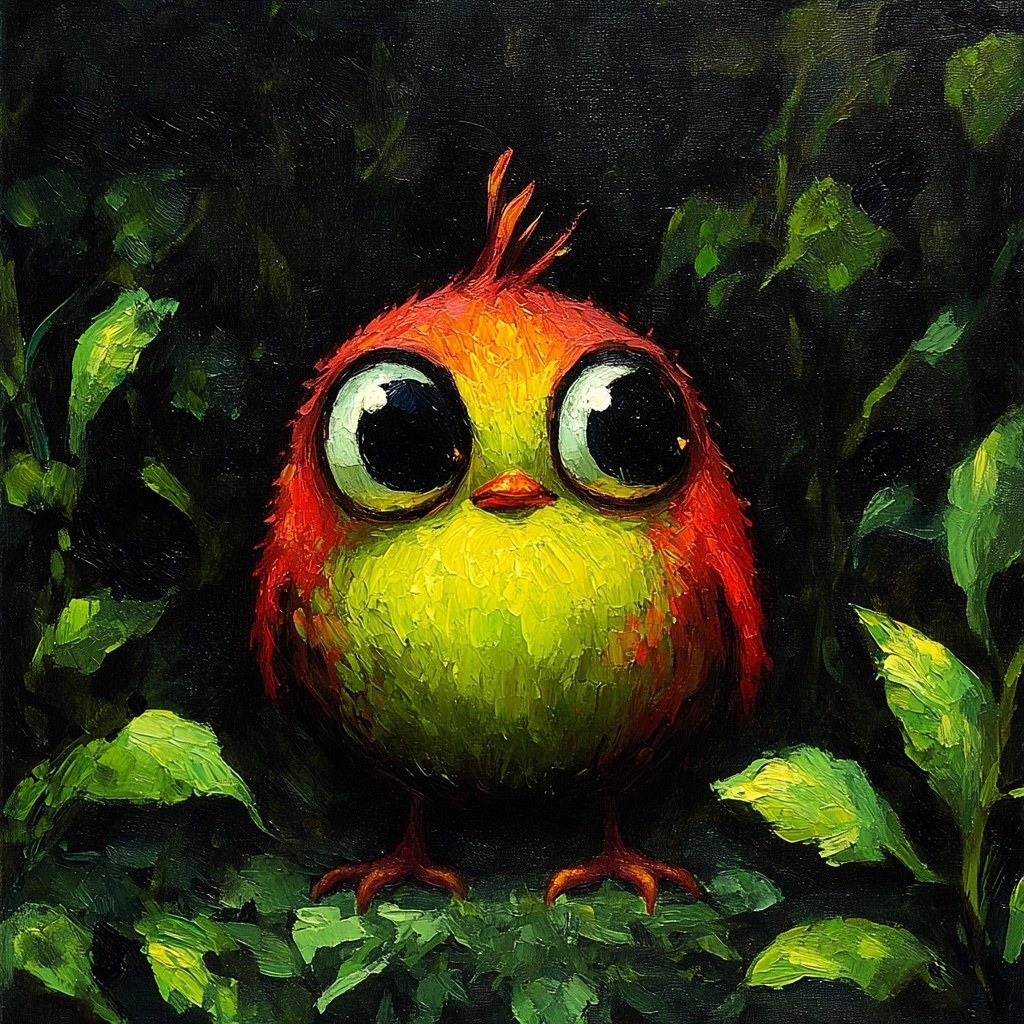 Overall, I have found the process of learning about AI video creation to be quite rewarding,
and I feel honored to be at the technological forefront of this new creative medium.
Overall, I have found the process of learning about AI video creation to be quite rewarding,
and I feel honored to be at the technological forefront of this new creative medium.
While I do wish the prices of the tools were a bit lower, the amount of enjoyment I have gotten from creating these videos has been well worth the cost.
When you compare the cost of other hobbies like golfing (which averages out to around 2.5k per year), the cost of AI video creation is well within the realm of reason for a hobbyist.
Again, it is not for everyone, but if you’re looking to get into the creative field of AI video generation, I hope that my observations on the subject can help guide you in the right direction.